
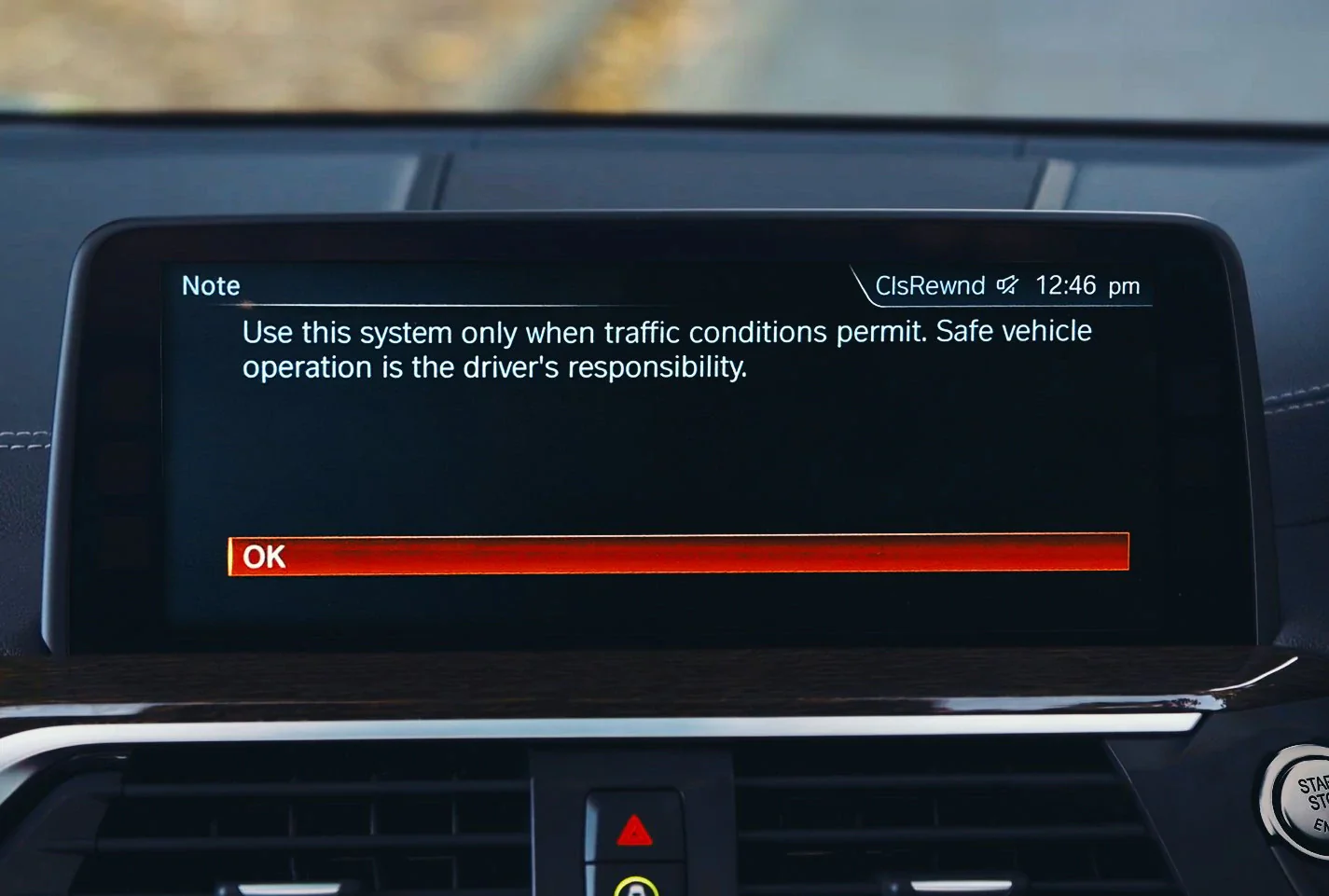
BMW legal disclaimer disable: no more “Accept” screen every time you start the car. iDrive goes straight to the last screen you used.
Step 1: check your version
Navigation → Options → Settings → Position & Version History. You’ll see NBTEVO_XXXXX.
- NBTevo_H to O: USB install. We email a file, you copy it to a FAT32 USB drive and plug it in.
- NBTevo_P to Y: ENET install with your laptop.
Not sure? Use our compatibility checker or send your VIN on WhatsApp.
What you get
- Legal disclaimer screen removed at start-up
What you need
- USB install: a FAT32 USB drive
- ENET install: a BMW ENET cable, a Windows laptop (or a Mac running Windows via Boot Camp or Parallels) and internet
Questions
Can it be reversed?
Yes. Ask us and we’ll switch it back.
What if it doesn’t work on my car?
If we confirmed your car and it can’t be completed, you get a full refund. See our refund policy.
Save with the NBTevo Comfort Bundle.
Reviews
There are no reviews yet.