
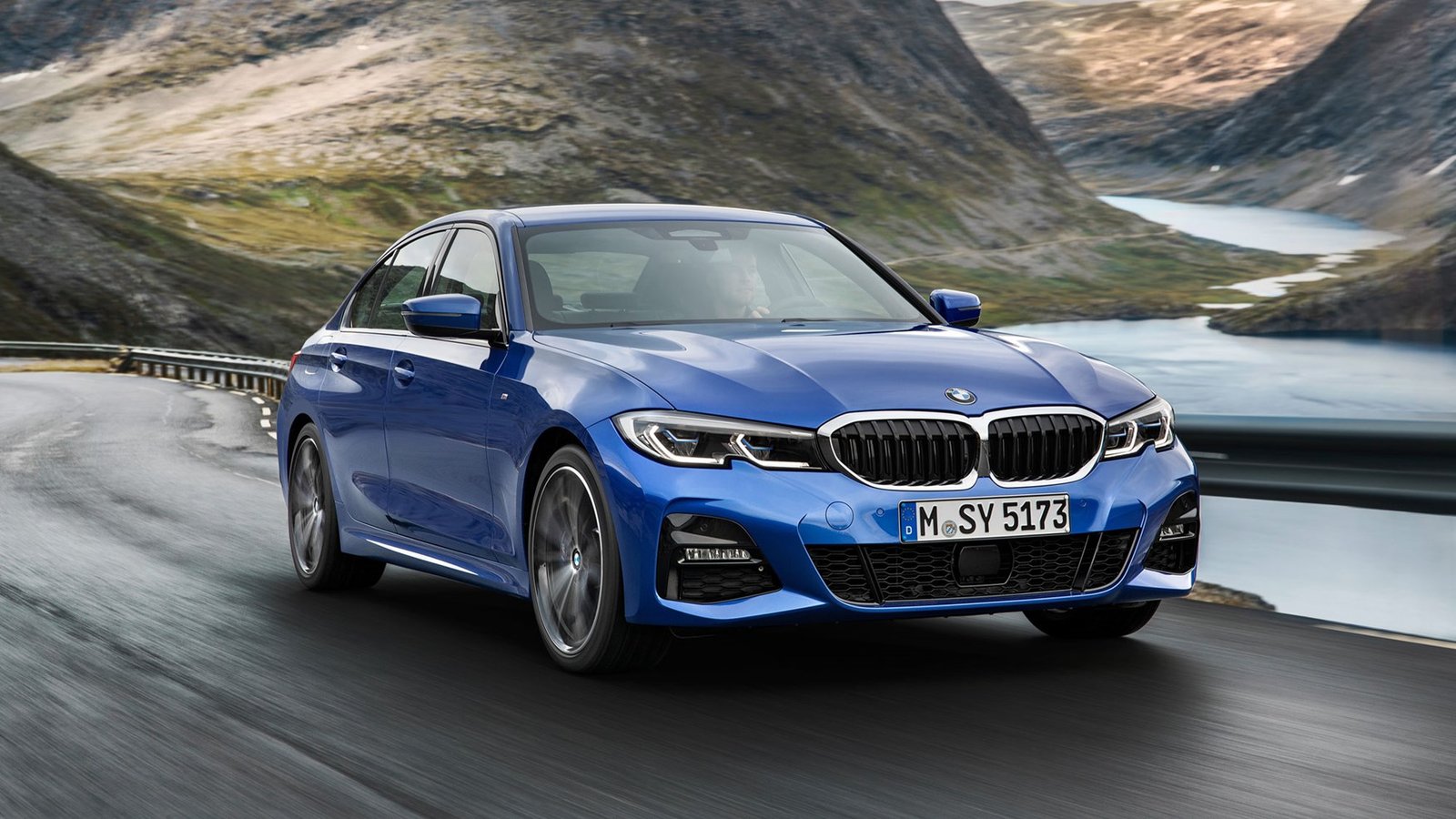
Pick the BMW G-Series coding options you want and get them done in one remote session by a RACODINGS technician.
Compatible with
- BMW G-Series cars and SUVs (for example G20, G22, G30, G05, G01, G80, G82)
- Most iDrive options need iDrive 7 (MGU). Virtual cockpit options need MGU software 20-07 or newer.
- Not sure? Use the compatibility checker or email us your VIN first.
What you get
Comfort
- Close windows with the key fob
- Windows close even when a door is open
- Close the boot with the key fob or footwell switch
- No horn chirp when locking with the engine running
Safety and assistance
- ECE speed limit sign (circle with red outline)
- Rear camera zoom
- Tyre pressure and temperature display
- Change the default adaptive cruise distance
- Seat belt reminder off (we recommend keeping it on; check your local rules)
Instrument cluster
- Alpina-style cluster (6WB live cockpit only)
- Sport theme in grey instead of red
iDrive
- Remove start-up and camera legal disclaimers
- M or Alpina start-up logo
- Extra USB video formats (Xvid and others)
- Video in Motion for USB playback (passengers only)
- B&O-style DSP setting (Harman Kardon systems only)
Drive modes
- Start the car in Eco Pro, Adaptive or Sport
- Auto Start/Stop remembers the last setting
- Sport+, Comfort+ and Eco Pro+ modes
Virtual cockpit (MGU, software 20-07 or newer)
- Speed Limit Assist for any country
- Traffic Light Assistant display
- Assisted Driving View on cars without it from the factory
What you need
- A Windows laptop, or a Mac running Windows (Parallels or Boot Camp)
- A BMW ENET cable (OBD2 to Ethernet)
- TeamViewer and a stable internet connection
- A battery charger is recommended for longer sessions
How it works
- Order, enter your VIN at checkout, and tell us which options you want.
- We email you within 1 to 24 hours to book a time.
- Connect the ENET cable and start TeamViewer. A technician codes your car while you watch.
- We test each option with you before we finish.
Questions
Can the coding be undone?
Yes. Any option can be set back to factory in a later session.
Will this affect my warranty?
We use OEM BMW software, but we can’t speak for your dealer. A dealer software update may reset some options.
Is Video in Motion safe?
It is for passengers only. The driver must not watch video while driving. Check your local rules.
What if my car can’t take an option?
If we confirmed your car and it can’t be completed, you get a full refund. See our refund policy.
Have an F-Series car? See the BMW F-Series Remote Coding Package. Want CarPlay too? See BMW CarPlay activation. Questions? Email info@racodings.com.
Reviews
There are no reviews yet.